
Source Video
Your choreography reference
NOVIREC CHOREOGRAPHY · VIDEO REFERENCE AI
Turn a choreography clip into a new AI-generated scene. Use a motion reference, add your own characters and environment, then compare the result side by side.
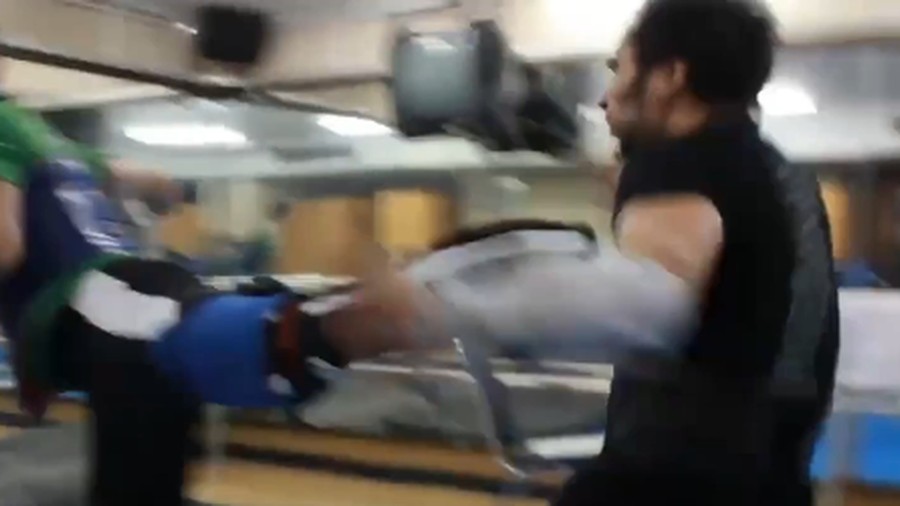
Your choreography reference
Characters & environments
Model-driven transformation
Original & generated
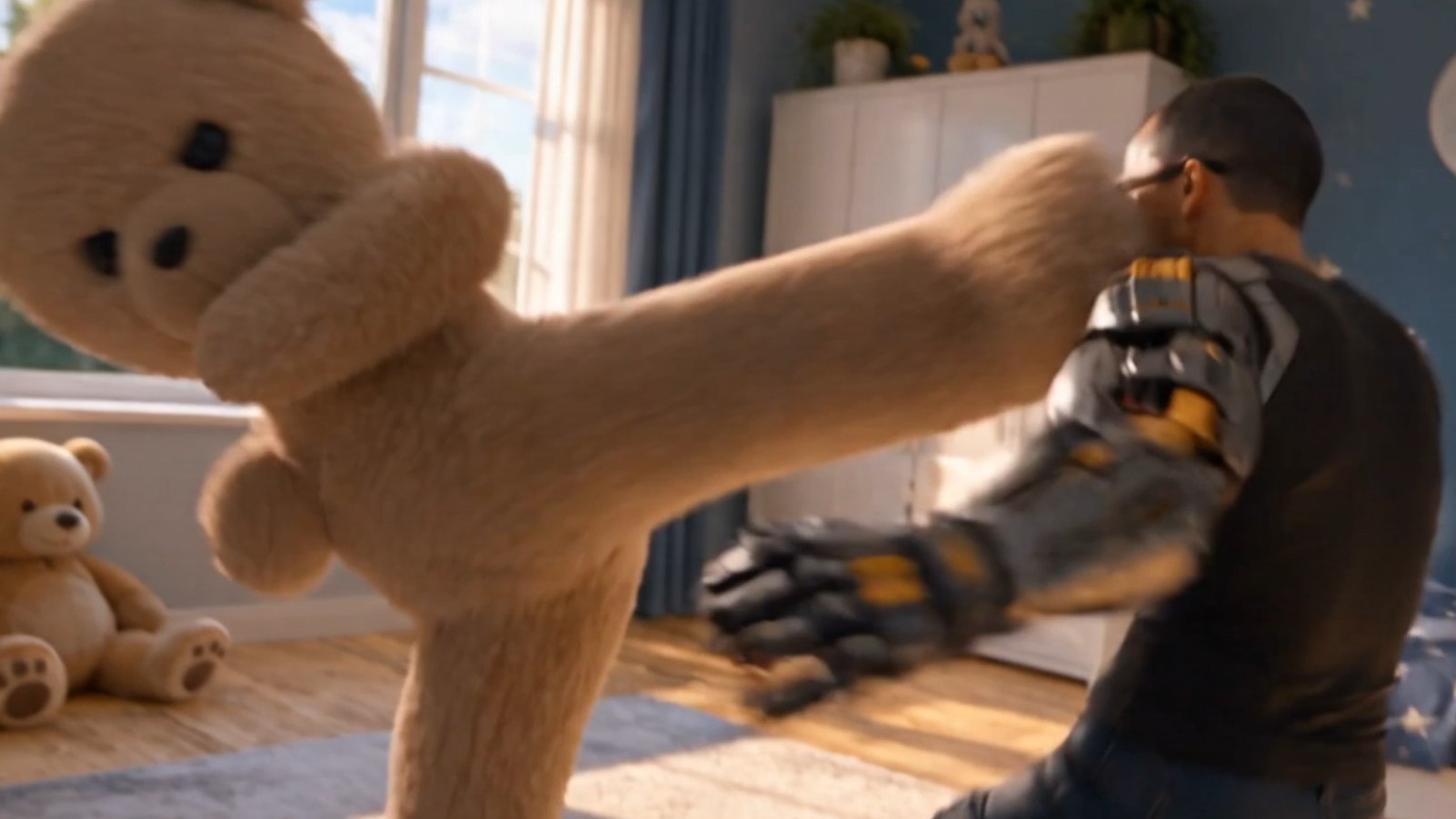
Turn a real choreography into a completely different scene. Keep your original motion as the creative reference, then bring new characters and environments to life with AI.
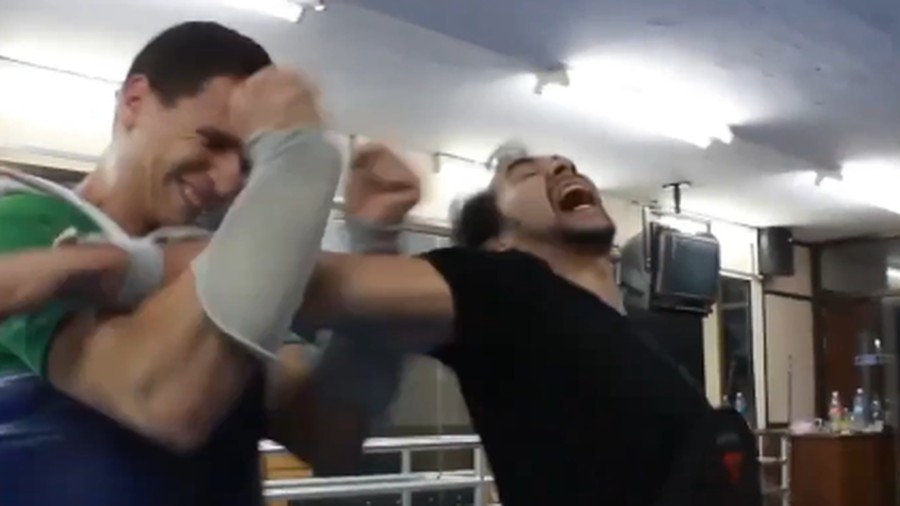
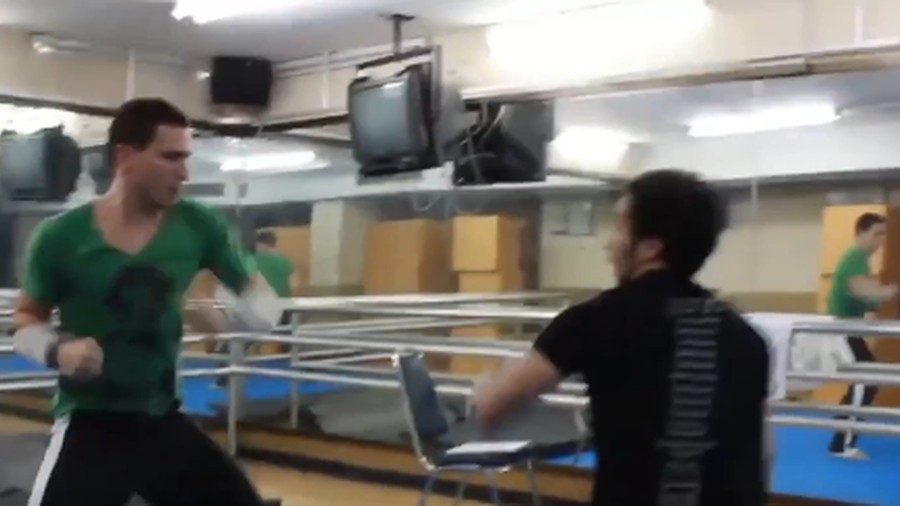
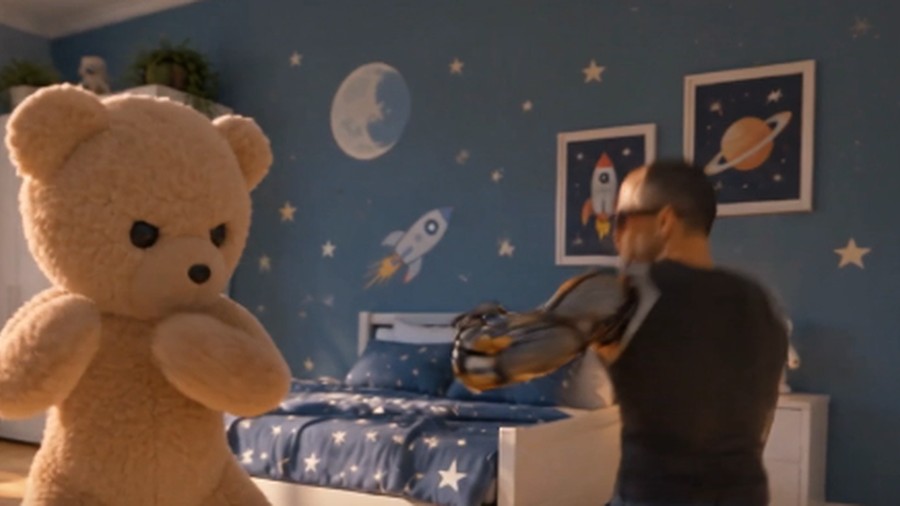
Compare the original performance with the AI-generated result. The motion and interactions are reference-guided, while the look can change with your supplied images.
Example from Novirec Choreography. Results depend on the selected AI model and source clip.
Bring your own choreography video, reference new characters and environments, and create a transformed AI clip with a model-specific quotation before generating.
Four focused stages — no storyboard or camera-by-camera workflow required. Start with video motion and explore new creative directions.
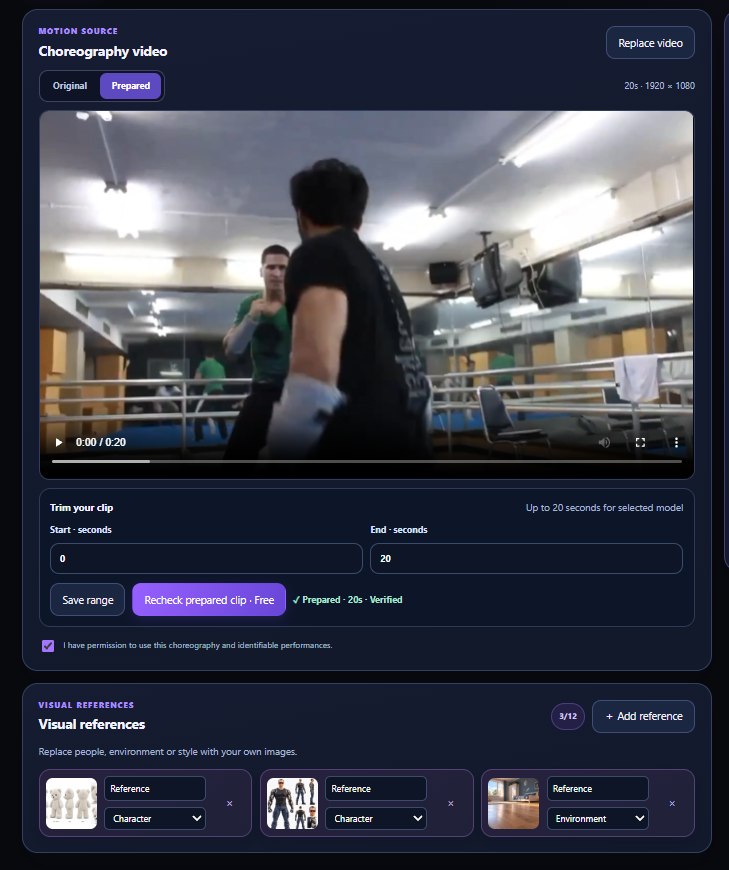
Upload or choose an owned choreography clip, choose the in/out range, and prepare the reference before generation.
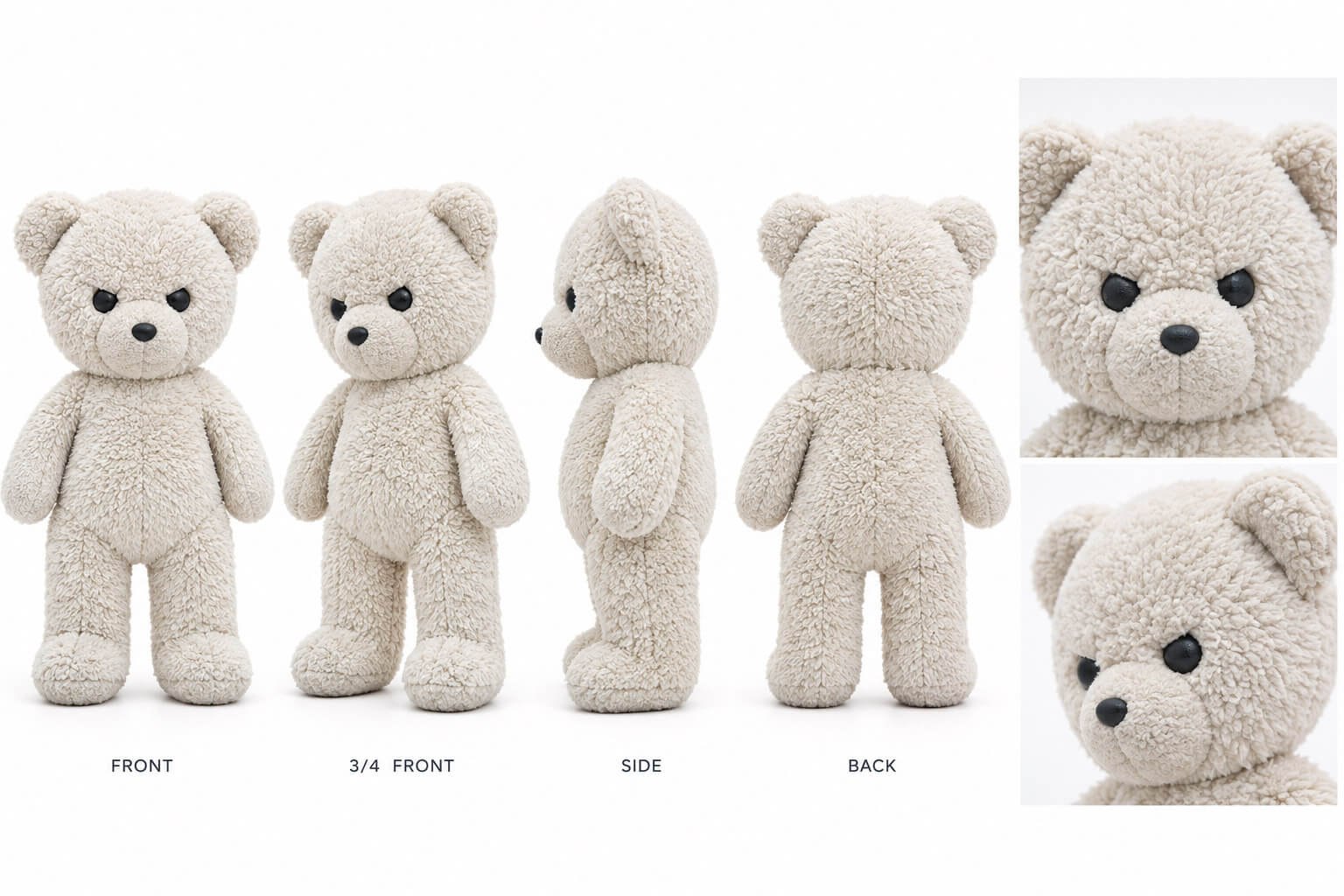
Use your own visual images to guide the new characters, environment, style, or objects.
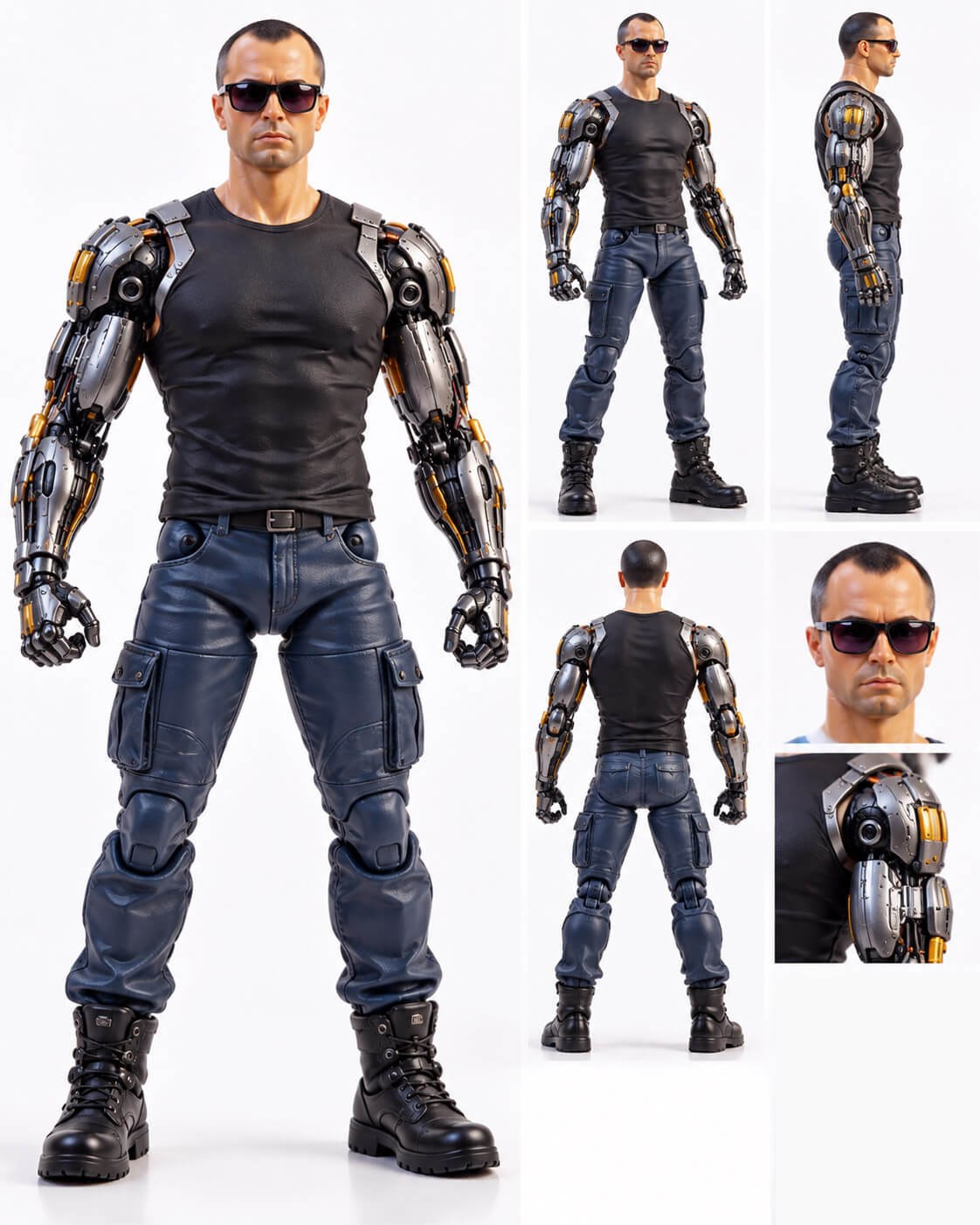
Choose an available reference-guided or editing model and a prompt. Review the Core quote, then explicitly confirm generation.
Review the generated result alongside the reference performance. Revisit your saved results in the Library.
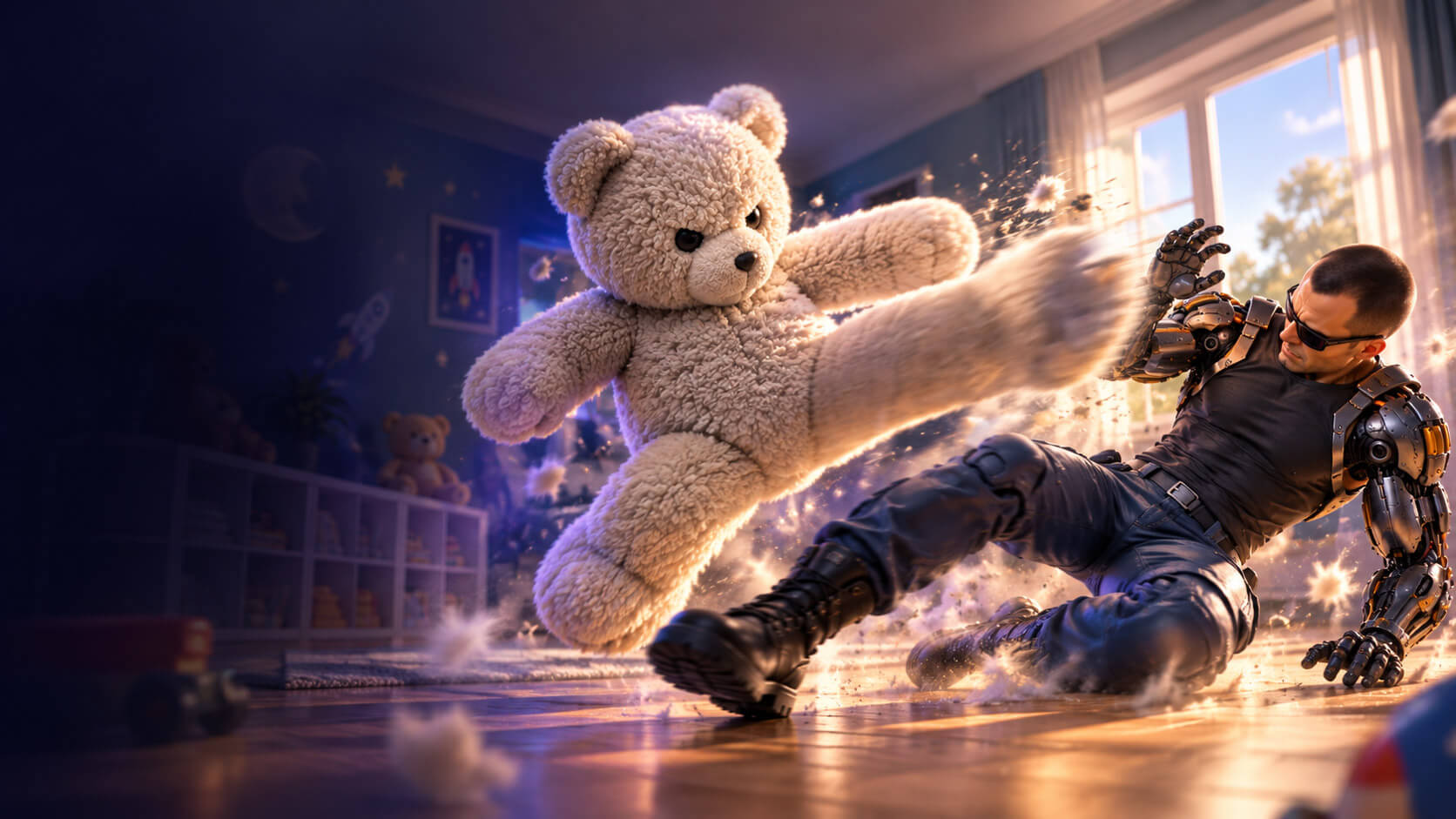
Give the model images of the characters and environment you want. In this example, an action performer becomes a cybernetic fighter facing a giant teddy bear in a space-themed bedroom.
Character · Teddy BearCharacter · Cyborg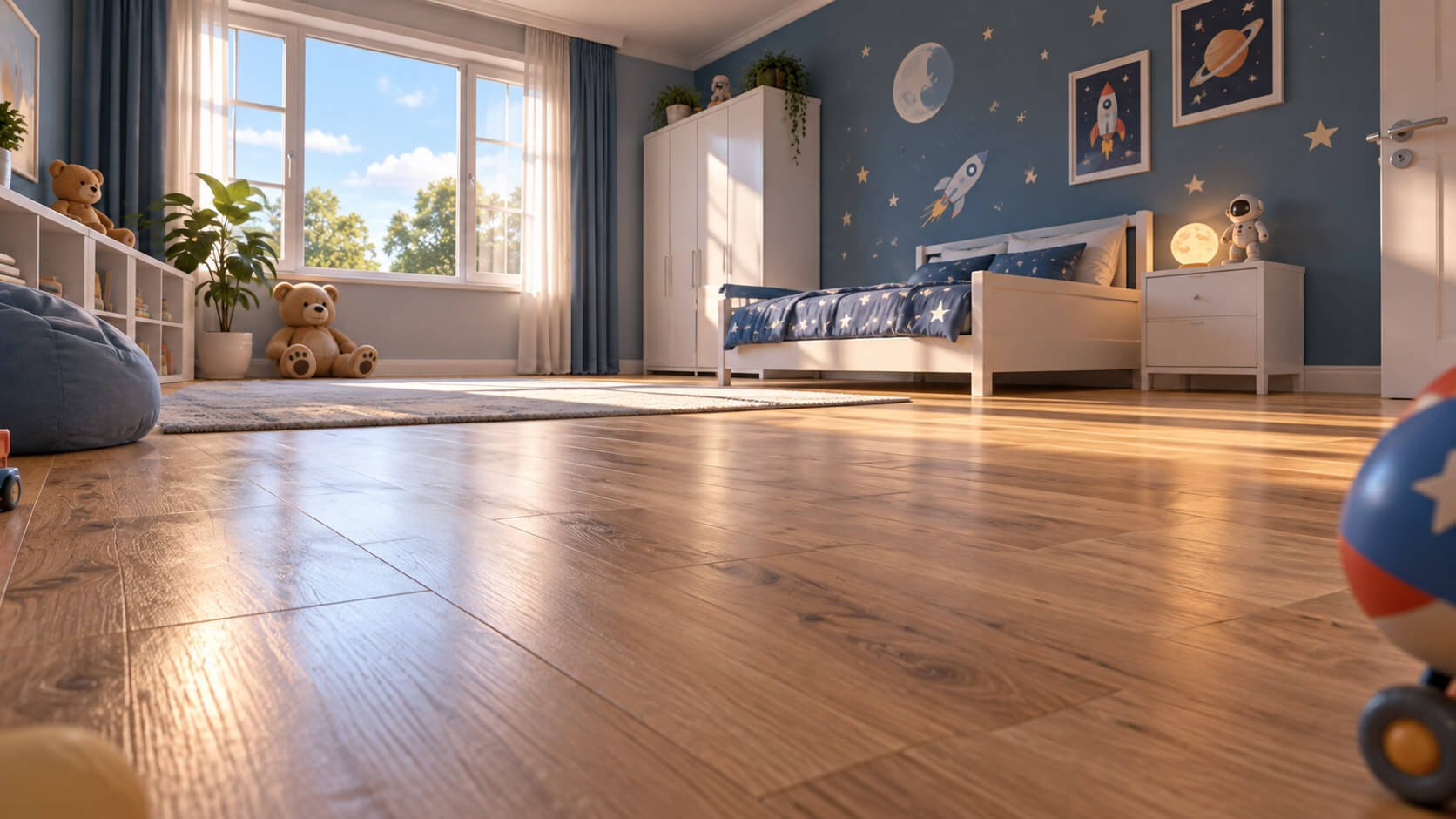 Environment · Bedroom
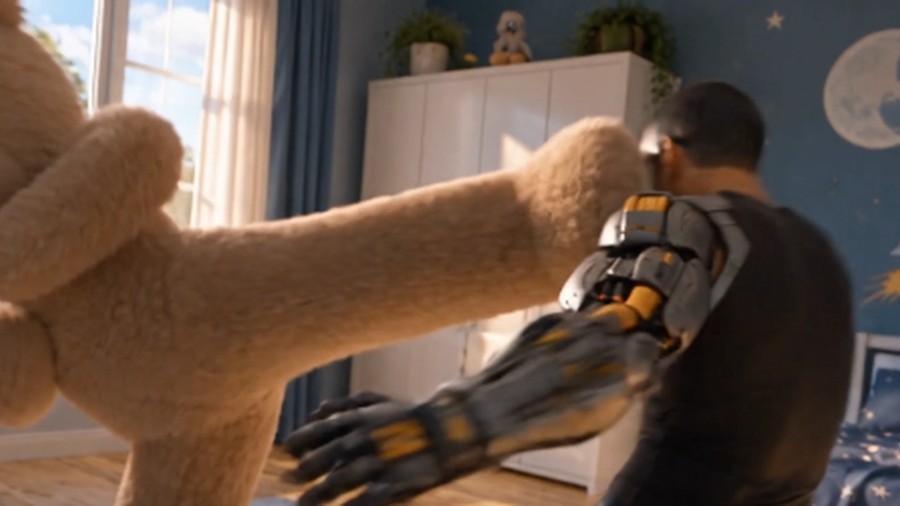
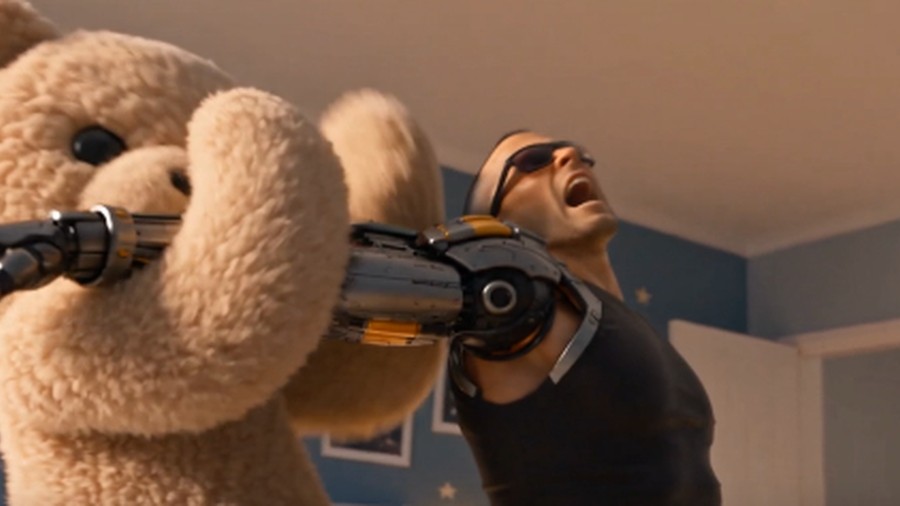
A visual comparison of three moments from a reference-guided generation. Similarity to source motion is best effort, not exact motion transfer.
Explore different looks for an existing choreography performance.
Remix character and environment concepts with a motion reference.
Test visual directions from an existing motion sequence.
Add a choreography reference video, trim and prepare it, choose character and environment images, select a compatible model, review a verified quote and confirm the generation. Your results can be compared with the original.
No exact motion transfer is guaranteed. Motion, body interactions and contact timing are guided by the reference and depend on the chosen model.
Yes. Add visual references for characters, environments, styles and objects. The AI model uses those references where supported.
The preparation tool supports clips up to 20 seconds. Selected models may have stricter duration limits, such as a 15-second input limit.
Access depends on your plan and administrator configuration. The feature may be restricted during testing. A separate verified Core quote is required before paid generation.
Bring a choreography clip, choose your characters and scene, then see the AI result. Get started in the Novirec Choreography workspace.