Skip to content

NOVIREC FIGHT DIRECTOR · CINEMATIC ACTION

Create Epic
AI Fight Scenes
Shot by Shot

Choreograph the action. Direct every angle. Build connected fight sequences with a guided storyboard and turn them into cinematic videos in Novirec Fight Director.

Free account registration Access depends on your plan See the quote before generating
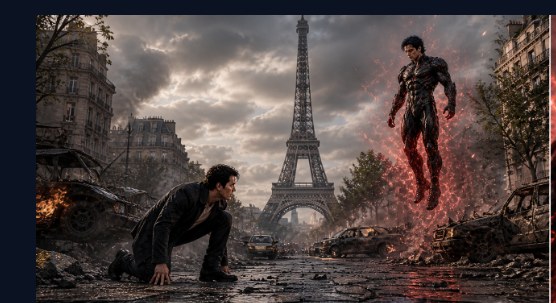
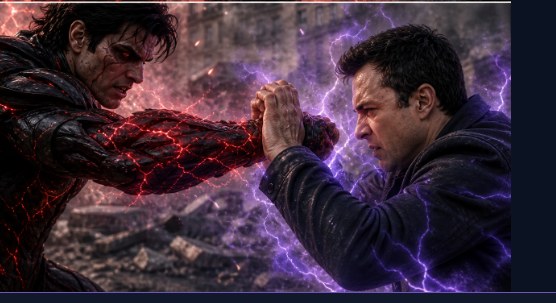
The opening standoff A charged confrontation Energy-powered faceoff

Fight Styles

Superhuman, anime & more
Camera Direction

AI Director or manual angles

Visual Continuity

Storyboards & shared frames

Smart Sequences

Connected clips & export

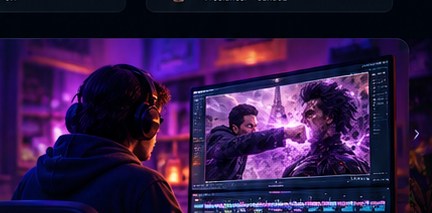
Novirec Fight Director cinematic combat demonstration

Every Impact.
Every Angle.

From a first confrontation to the final impact, plan your fighters, action beats and camera angles. Carry approved visual references across shots, then assemble your finished fight.

5guided steps
AIcamera director
Framesstart & end
MP4final export

AI Fight Video Generator With Full Cinematic Control

Create cinematic AI fight videos with Novirec Fight Director. Plan your choreography, direct camera angles, build visual storyboards and connect individual shots into a finished fight.

THE FIGHT DIRECTOR WORKFLOW

Your vision.
Every scene under control.

From your first concept to the final connected video, direct each stage of the fight. Explore the five guided steps below.
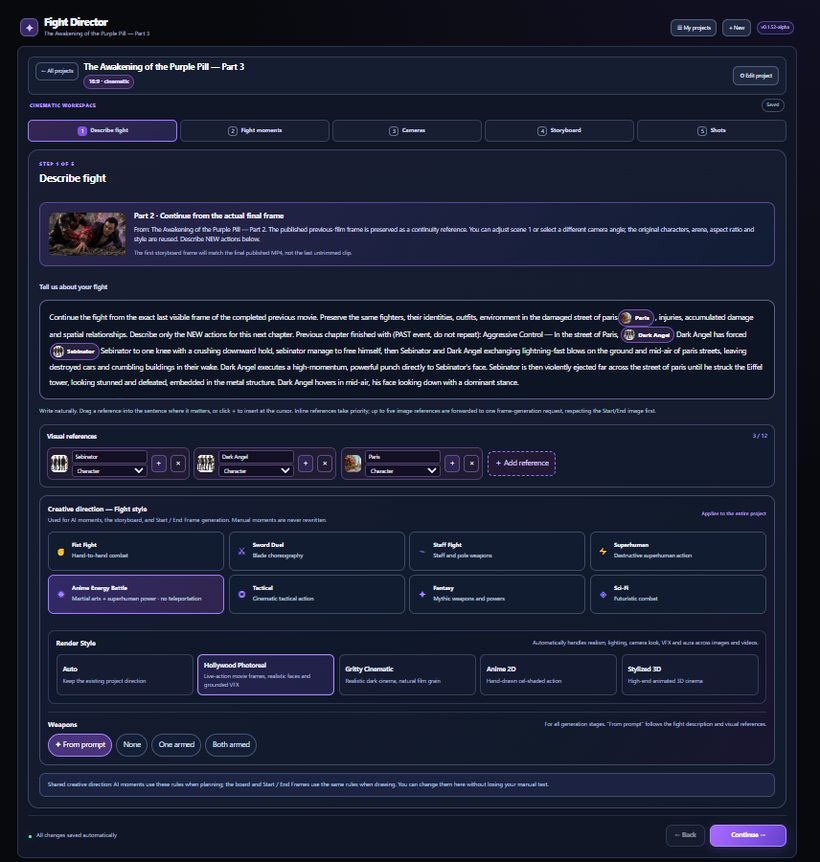
STEP 01 / 05PROJECT BRIEF
Screenshot of the actual Novirec Fight Director Describe Fight interface
The fight begins with your vision.
CHARACTERS & WORLD

Imagine the fight.
Build your world.

Introduce your fighters, describe the environment, and set the creative direction before generating a single frame.

  • Your own character and environment reference images
  • Fight styles such as Superhuman and Anime Energy Battle
  • Cinematic render style and creative preferences
Next: Fight Moments
STEP 02 / 05FIGHT MOMENTS
First cinematic fight moment in the streets of Paris
Structure the action before production.
ACTION & CHOREOGRAPHY

Plan the action.
Moment by moment.

Transform your idea into an ordered series of fight moments. Build the action yourself or ask the AI to help plan the sequence.

  • AI-generated or manually written fight moments
  • Control the order, action and narrative progression
  • Refine the choreography before making the storyboard
Next: Cameras
STEP 03 / 05CAMERA SETUP
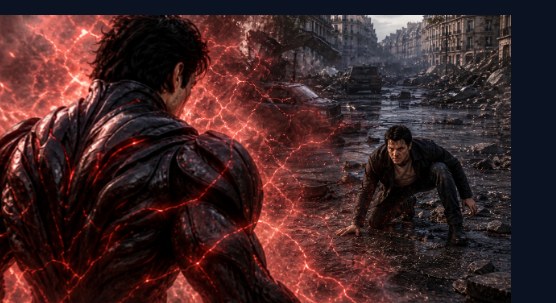
Alternative camera viewpoint of the same fight sequence
Control how the audience experiences every hit.
CAMERA DIRECTION

Direct the camera.
Make every angle count.

Choose the cinematic perspective for each moment. Use AI Director or take manual control of the shots and framing.
  • AI Director or manual camera planning
  • Wide shots, close-ups and expressive viewpoints
  • Plan dynamic visual coverage across the fight
Next: Storyboard
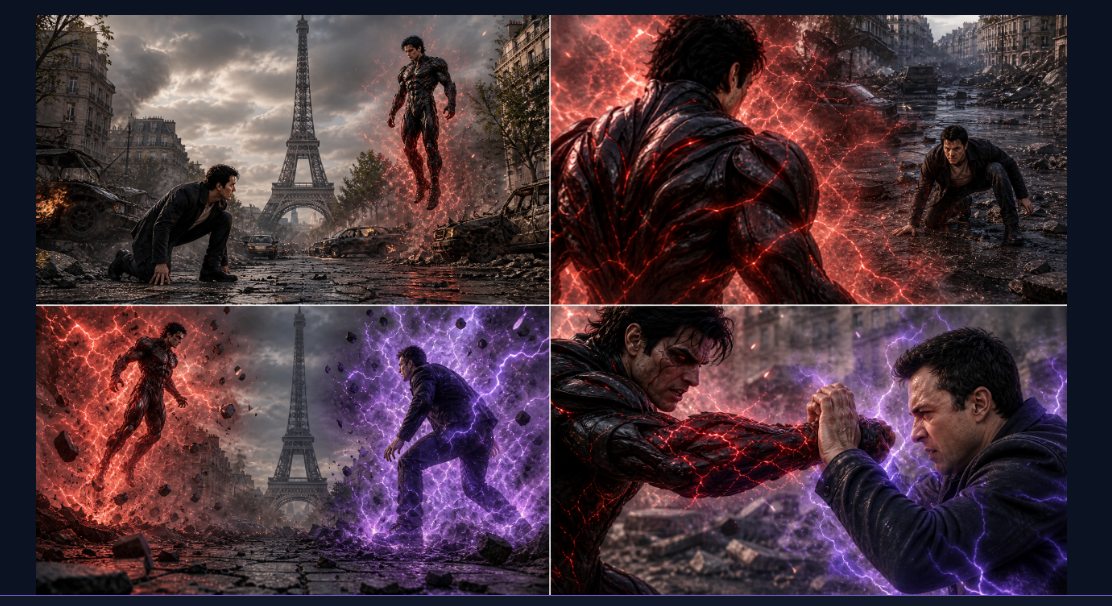
STEP 04 / 05STORYBOARD
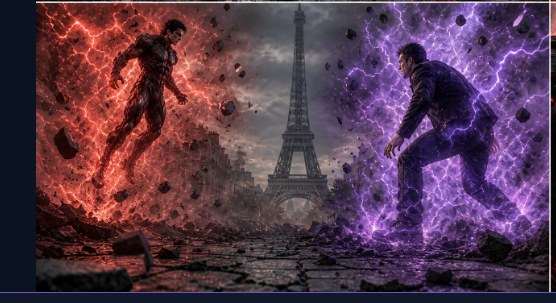
Actual four-panel Novirec Fight Director fight storyboard
See the sequence before creating motion.
VISUAL PREPRODUCTION

See the battle.
Before it moves.

Preview your fight as a coherent storyboard, split it into shot images and prepare the visual references for generation.

  • Storyboards grouped in boards of up to four images
  • Individual splitting and preparation of each shot
  • Visual references shared through the workflow
Next: Shots & Smart Sequences
STEP 05 / 05SMART SEQUENCES
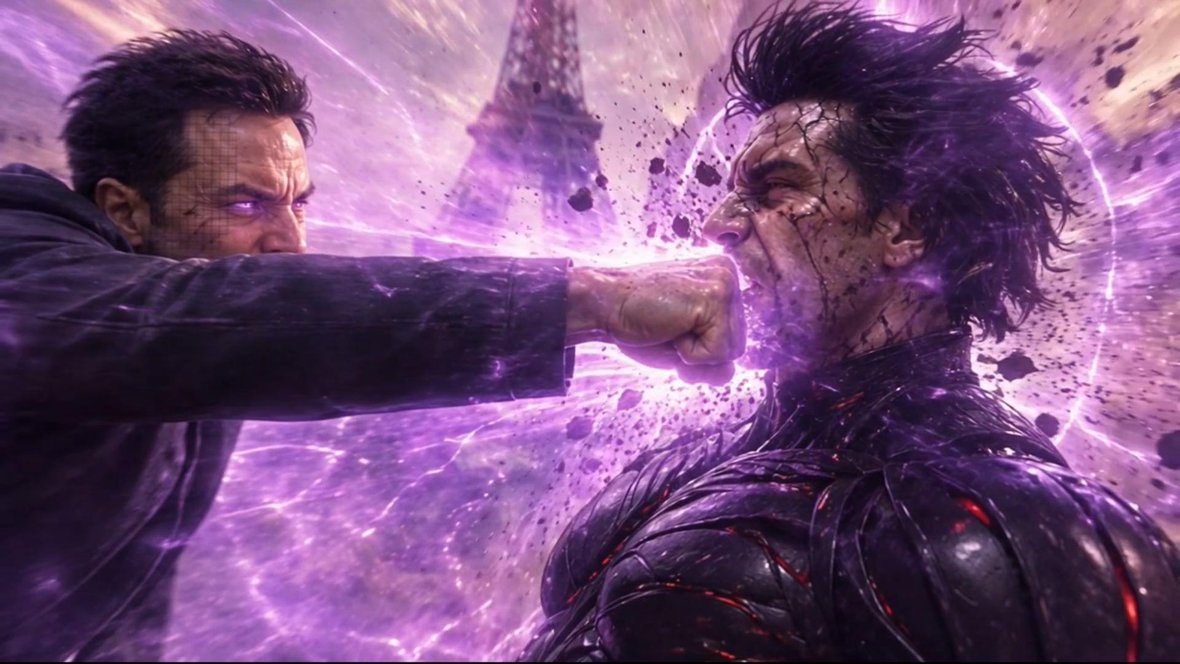
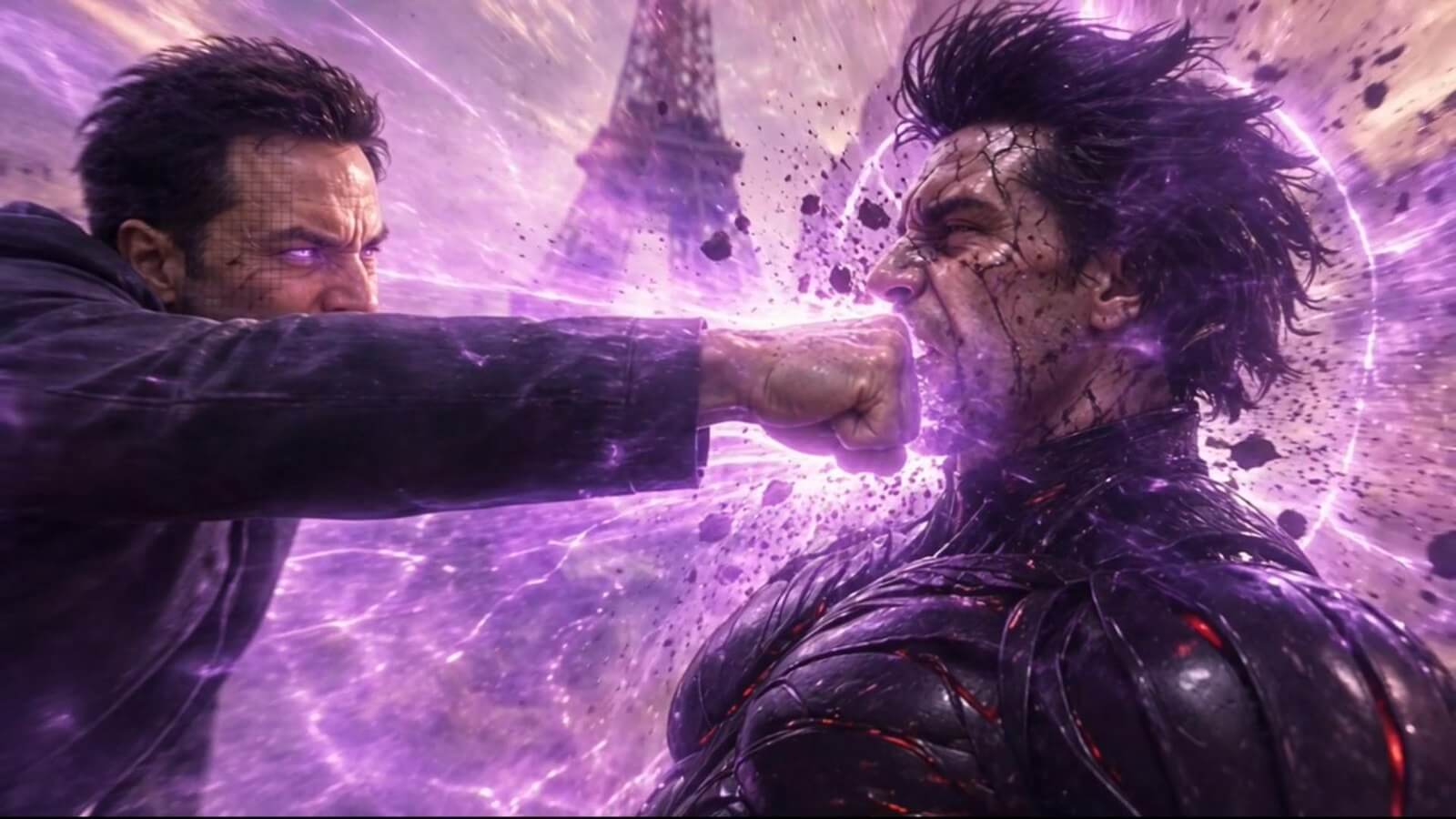
Final cinematic fight impact frame created with Novirec
From prepared frames to real moving clips.
VIDEO PRODUCTION

Make the shots.
Bring the fight to life.

Generate the video for each shot, compare alternate takes and build connected sequences that can be assembled into a completed fight.

  • Start and End Frames for visual connections
  • Smart Sequences with compatible video models
  • Review, regenerate, select takes and export
Explore visual continuity
THE DIFFERENCE IS IN THE CONNECTION

One Fight. Multiple Shots. One Connected Story.

Plan each shot as part of the same fight. Carry approved visual references forward, keep the action connected, and choose your best takes as the story unfolds.

CONTINUITY / SHOT-TO-SHOT
Fight sequence moment 1
01The setup
Fight sequence moment 2
02The confrontation
Fight sequence moment 3
03The clash
FROM STORYBOARD TO THE FINAL CUT

Every shot matters.
Make the whole fight unforgettable.

Review your generated shots, select the versions that work best together, and assemble a finished fight video you can keep editing and share.

Open Fight Director
A finished AI fight scene created with Novirec
BUILT INTO FIGHT DIRECTOR

Everything You Need to Direct an Epic Fight

ACTION SHOWCASE

Fight Scenes Created with Novirec

FOR ACTION CREATORS

Turn a Fight Idea Into a Directed Sequence

YouTube action creators

Create original superhero and cinematic combat content for your audience.

Action filmmakers

Previsualize fight moments, camera coverage and dramatic impacts.

Animators & storytellers

Plan character-driven battles with consistent visual references.

FAQ

Frequently Asked Questions

What is Novirec Fight Director?

Fight Director is a guided workflow for cinematic fight creation: Describe Fight, Fight Moments, Cameras, Storyboard and Shots. It helps plan references, camera angles, connected clips and a final export.

Can I choose fight styles and camera angles?

Yes. Choose combat and render styles, use your own visual references, and direct angles manually or with the AI Director. Your choices guide the storyboard and shots.

Can I refine individual shots and assemble a final video?

Yes. Review individual shots, create alternate takes, reuse approved frames across sequences and assemble the resulting clips into a final video.
DIRECT YOUR NEXT BATTLE

Your Epic Fight Starts Here

Build the action, choose your shots and bring your fight to life. Open Fight Director in Novirec Studio.

Guided five-step workflowFree account registrationFive creative stepsExport your finished fight